

Many designs for one deck, done right
Most tools give you one look and a blank-slide start. To see an alternative you rebuild the deck, and restyling a finished one means hand-editing every slide while one off-brand layout breaks the whole thing.
- You get a single design and rebuild the deck from scratch just to see an alternative.
- Rebranding a deck means re-styling every slide by hand and missing a few.
- Preso generates several design directions at once, so you compare instead of rebuild.
- Swap the theme once and the entire deck re-designs, fonts, colors, and layouts included.
Several directions at once
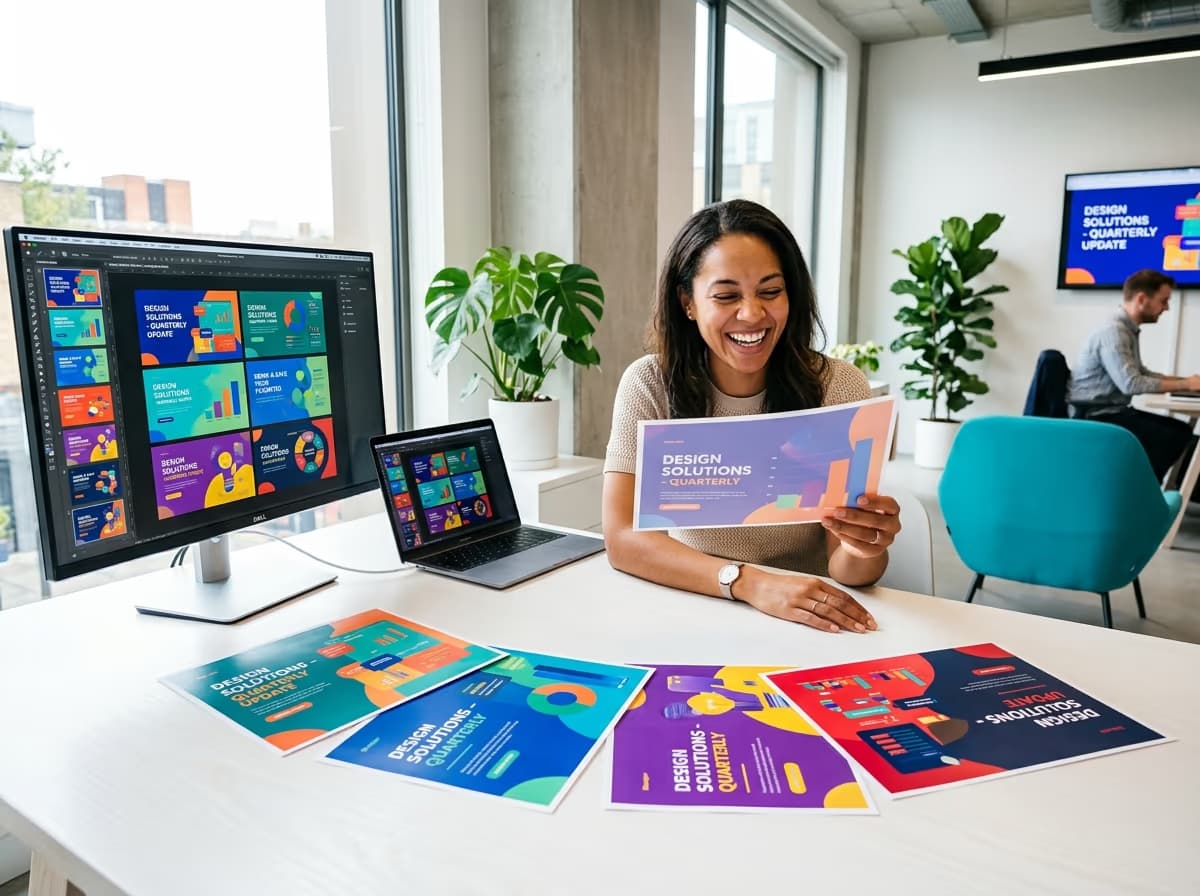
Preso designs the same content multiple ways so you can choose the strongest, not settle for the first.
- Multiple on-brand layouts and themes
- Compare directions side by side
- No rebuilding to see an option

Restyle the whole deck
A theme sets fonts, colors, and layouts across every slide, and swapping it re-designs the whole deck.
- One theme restyles the entire deck
- Swap themes to re-design instantly
- Layouts stay consistent everywhere

Remix and save
Mix the best slides from each direction, then save your favorite as a reusable template.
- Combine slides across variations
- Save decks and slides as templates
- Locked to your brand kit
What you can do
Design options
Several on-brand directions for the same deck, side by side.
Theme swaps
Restyle fonts, colors, and layouts across the whole deck in a click.
Remix the best
Mix the strongest slides and themes from each variation into one deck.
many looks
for one deck, all on-brand
See several on-brand designs for one deck, then remix and restyle in a click.
Get startedDescribe it. Ship a beautiful deck.
7 days free on any plan, or talk to us about designing presentations at scale through the editor and the presentation API.
7 days free on any plan. Cancel any time.