

The same slide, narrated two ways
One traction slide: $120M annualised volume, 2.1% defaults. Neither narration reads those numbers out. Both explain why the second one is the one that matters.
One presenter
A single narrator carrying the argument.
A hundred and twenty million in annualised volume is the number people notice. The one that matters is next to it: two point one percent. We are lending to businesses every incumbent model rejects, and we are losing less money doing it than they do on the customers they approve. That gap is not a better credit box. It is a different one.
Two hosts
A conversation about the slide, not a reading of it.
HostA hundred and twenty million annualised. That is the headline.
GuestIt is the wrong headline though. Look one column right.
HostTwo point one percent defaults.
GuestOn businesses every incumbent model rejects. They are turning these down and still losing more on the ones they approve.
HostSo it is not that we are lending more.
GuestIt is that we are lending to different people, correctly. Those are very different companies.
Both clips are real output, written and voiced by Preso from the deck itself in a single pass, which is how slide six can refer back to slide two. Narrate any deck from the editor, then hit Present and it plays itself.
Decks that present themselves, done right
A deck only works when you’re there to talk over it. Sent on its own it’s a stack of silent slides, and recording a polished voice-over for every version means a microphone, a quiet room, and an afternoon of re-takes.
- You email a deck before the meeting and it lands as silent slides with no story.
- Recording a clean voice-over means a mic, a quiet room, and re-recording every edit.
- You share a narrated version that walks every viewer through the story in your voice.
- Preso narrates the whole deck in a natural voice, and re-renders instantly when you change a slide.
AI script, slide by slide
Preso drafts a speaker script from your deck so the narration actually matches what’s on screen.
- Script generated from the slides
- Matches your brand voice and tone
- Editable line by line
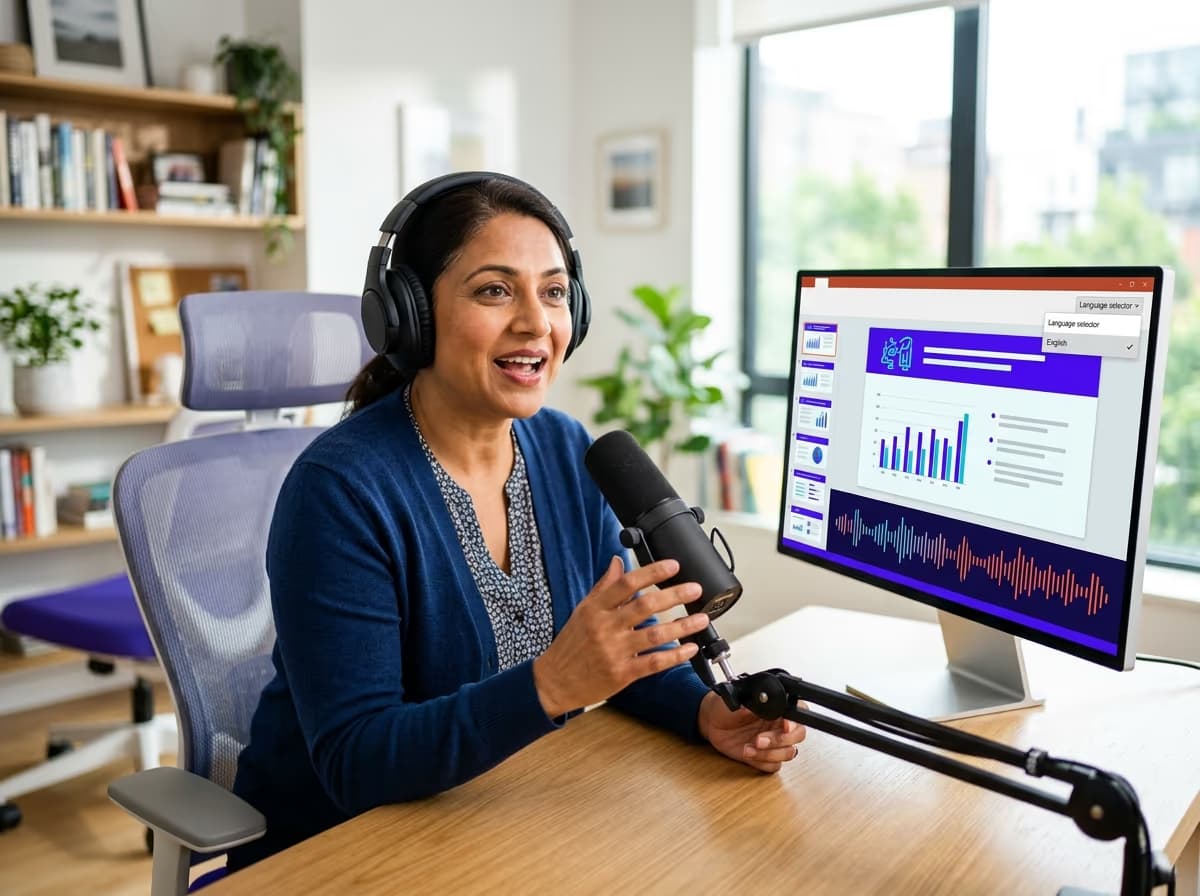
Natural voices, any language
Choose a lifelike AI voice and narrate in dozens of languages without recording anything.
- Lifelike AI narration
- Dozens of languages and accents
- No microphone or re-takes

Always in sync
Narration stays locked to each slide, so an edit re-renders just that slide’s audio.
- Per-slide audio, kept in sync
- Re-render on any change
- Share as a self-running deck
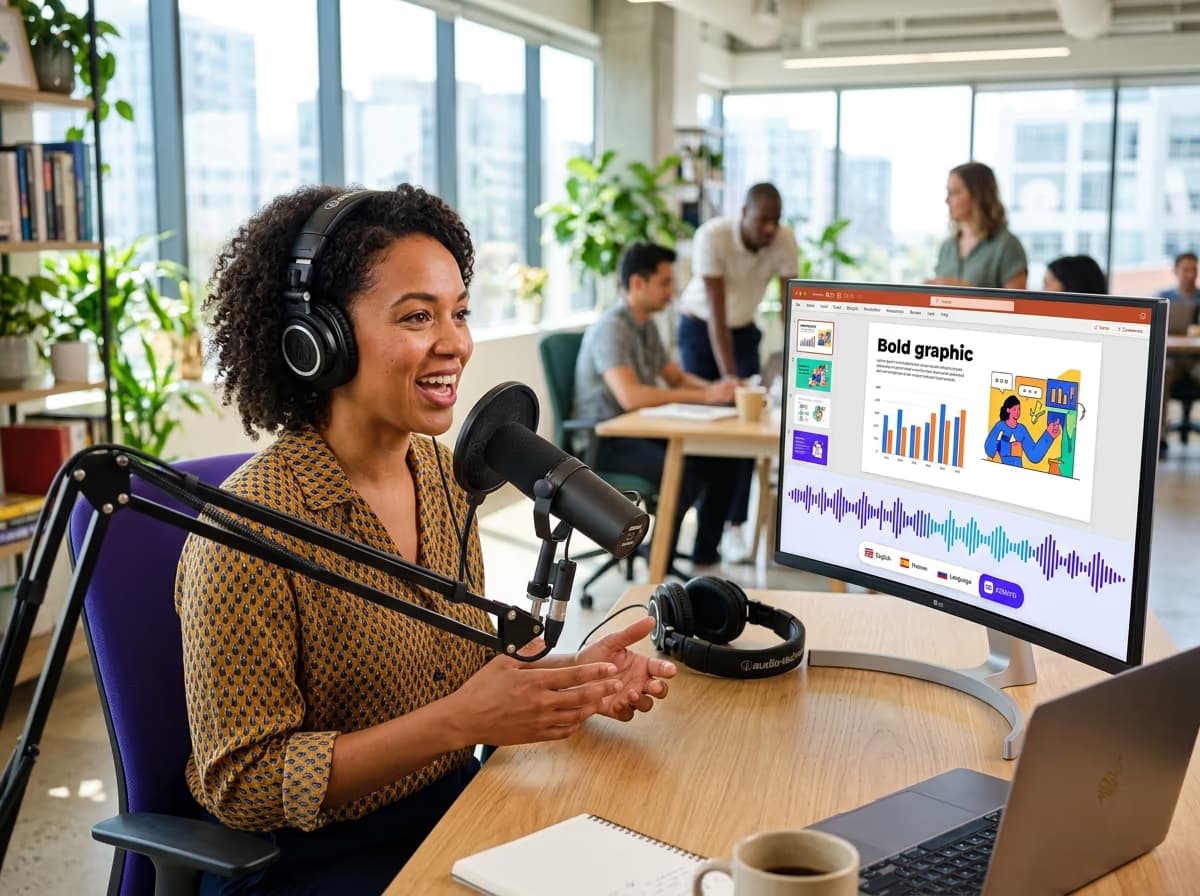
What you can do
Async sales decks
Narrated pitches prospects can watch without a live call.
Training & courses
Self-running lesson decks narrated in every learner’s language.
Investor updates
A voiced walkthrough of the numbers for stakeholders who missed the meeting.
any voice
narrates your deck in dozens of languages
Turn any deck into a narrated, self-running presentation - in any language, no mic required.
Get startedDescribe it. Ship a beautiful deck.
7 days free on any plan, or talk to us about designing presentations at scale through the editor and the presentation API.
7 days free on any plan. Cancel any time.